Microsoft

Microsoft Visual Studio 2026 Professional

Windows
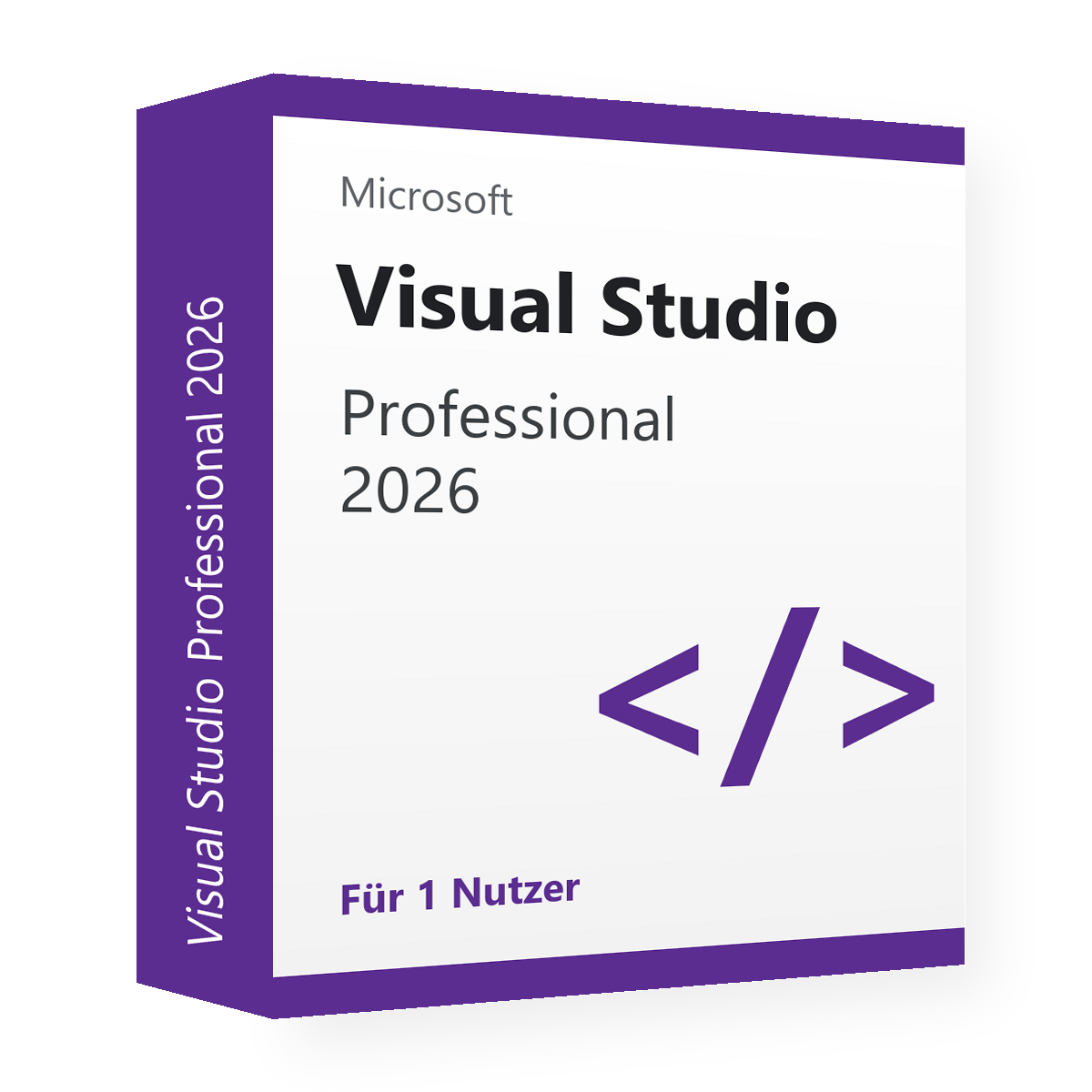
Selection: 1 device · 1 user

519,90 €

incl. VAT

  • 1 device
  • 1 user
  • Pay once, use permanently – no subscription
  • Product key, download link and instructions by email

Delivery within 24 hours

Personal installation help: Book a callback · Book a remote help appointment

At a glance

Operating system
Windows
Activation
Install with the Visual Studio Installer; enter the product key in Visual Studio under File › Account Settings via licensing with a product key
All product details and system requirements

Visual Studio

Is this product right for you?

Microsoft Visual Studio 2026 Professional: Microsoft application for your workplace.

Guide: Microsoft end of support: calendar for Windows, Office, Server and SQL

Guide: Visual Studio 2022 or 2026: differences and recommendation

Guide: Visual Studio 2026: Community, Professional or Enterprise?

Not sure it fits? We will check it with you – tell us your current version and your device.

Delivery and activation

  1. Order and payAs a guest or with a customer account. The delivery time starts when payment is received.
  2. Receive the keyProduct key, download link and instructions by email. Within 24 hours after payment is received.
  3. Install and activateInstall with the Visual Studio Installer; enter the product key in Visual Studio under File › Account Settings via licensing with a product key.

If a key does not work: If the delivered key is faulty, you first receive a replacement; if the replacement does not help either, we will consider refunding the purchase price. Your statutory warranty rights remain unaffected.

Process in detail

With your order you receive instructions for installation and activation. If you get stuck, we help personally by email or contact form, on request also by Callback or remote help (TeamViewer) at the agreed time.

If the delivered product key is legitimately faulty, we will in principle first provide a replacement. If the problem persists after the replacement, we will consider refunding the purchase price concerned. If a problem only occurs later, we will first check the cause. Statutory warranty rights remain unaffected.

Product details and requirements

Manufacturer
Microsoft
Product
Visual Studio 2026
Edition
Professional
Operating system
Windows
devices
1 device
user
1 user
License type
Activation key; right of use under the manufacturer's license terms
Activation
Install with the Visual Studio Installer; enter the product key in Visual Studio under File › Account Settings via licensing with a product key.
B2B documents on request
Proof of origin, Declaration of assignment
Delivery method
Product key, download link and instructions by email
Delivery time
Within 24 hours after payment is received
Manufacturer support until
2027-11-09
Item number
VKA-VS26-PRO

System requirements

Operating system
Windows 11 (64-bit, including ARM64), Windows Server 2019, 2022 or 2025; not Windows 10
Processor
x64 or ARM64 processor, quad-core recommended
Memory
4 GB (16 GB recommended)
Storage
2.5 GB to 210 GB depending on components, typically 20–50 GB; SSD recommended
Display
1366 × 768 (1920 × 1080 recommended)
Other
.NET Framework 4.8 (installed automatically); administrator rights for installation

Check the support period at the manufacturer (new tab)

For businesses

Are you buying for your company or as a reseller? On request you receive with your order Proof of origin and Declaration of assignment. The right of use is governed by the manufacturer's license terms.

Claims for resellers

For resellers, the claim must relate to a specific order line. For the review we may request an error code, a screenshot or a technical diagnosis. After a replacement, in the event of a further justified complaint, we will consider a credit note or refund. Replaced or refunded keys must not be used further or resold.

Frequently asked questions

What do I receive and when is it delivered?

Product key, download link and instructions by email. Delivery time: Within 24 hours after payment is received.

How do I activate this product?

Install with the Visual Studio Installer; enter the product key in Visual Studio under File › Account Settings via licensing with a product key. You receive the step-by-step instructions with your order.

Does the offer fit my existing installation?

Tell us your current version, edition and operating system – we will check with you before the purchase whether this offer fits.

Can I use the product in my company?

This offer includes a product key for activation; the right of use is governed by the manufacturer's license terms (Terms and Conditions § 4). For resellers we provide the B2B documents listed with the offer on request.

How long does the manufacturer support this version?

Manufacturer support ends on 09/11/2027. After that, no further security updates are planned for this version. A perpetual license does not extend the support period.

View all: Development

Cookies and Google services

With your consent we use Google Analytics (statistics) as well as Google's rating widget and Customer Reviews (Google services). In doing so, data is sent to Google, including to the USA. Declining has no disadvantages; you can change your choice at any time under “Cookie settings” in the page footer. Privacy policy